Wait for maintenance to end
The eCRF is unavailable during maintenance, for example during a backup, a restore or an update. No data can change during maintenance. During this time, the eCRF shows a maintenance message.
Who can do this: every user, whatever their role.
Wait when maintenance starts while you work
Section titled “Wait when maintenance starts while you work”The eCRF shows Maintenance in progress over the page that you have open. The message can take up to one minute to show.
-
Keep the page open. The changes that you did not save stay on the page.
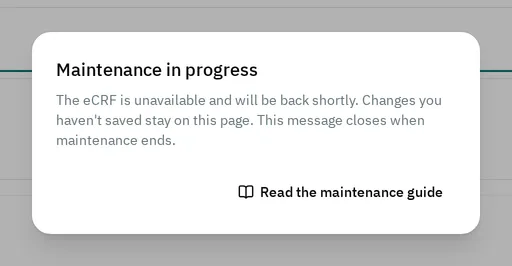
-
Wait until the message closes. The eCRF closes it at most 10 seconds after maintenance ends.
-
Save your changes. See Fill in and save a visit.
If a save fails before the message shows
Section titled “If a save fails before the message shows”During the first minute of maintenance, the eCRF can show Saving Visit Progress Failed
Keep the page open. When the maintenance message closes, save again.
Wait when you open the eCRF during maintenance
Section titled “Wait when you open the eCRF during maintenance”The eCRF shows the page Maintenance in progress instead of each page that you open.
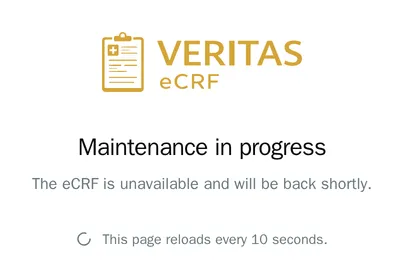
-
Keep the page open. It reloads every 10 seconds.
-
Wait until the eCRF shows the page that you opened.
The admin shows the same page during maintenance. You can read the user guides during maintenance.
What maintenance does to your data
Section titled “What maintenance does to your data”- A backup does not change your data.
- After an update, the eCRF shows A new version of the eCRF platform has been released Select Reload. If you have changes that you did not save, the eCRF shows Unsaved Changes Select Save Progress to keep them. See Leave a visit with unsaved changes.
- A restore replaces the data of the eCRF with the data of a backup. You lose the data that you saved after that backup. See Back up and restore the eCRF.
If maintenance does not end
Section titled “If maintenance does not end”If the eCRF shows the maintenance message for a long time, tell your administrator.